Log in using your credentials by entering:
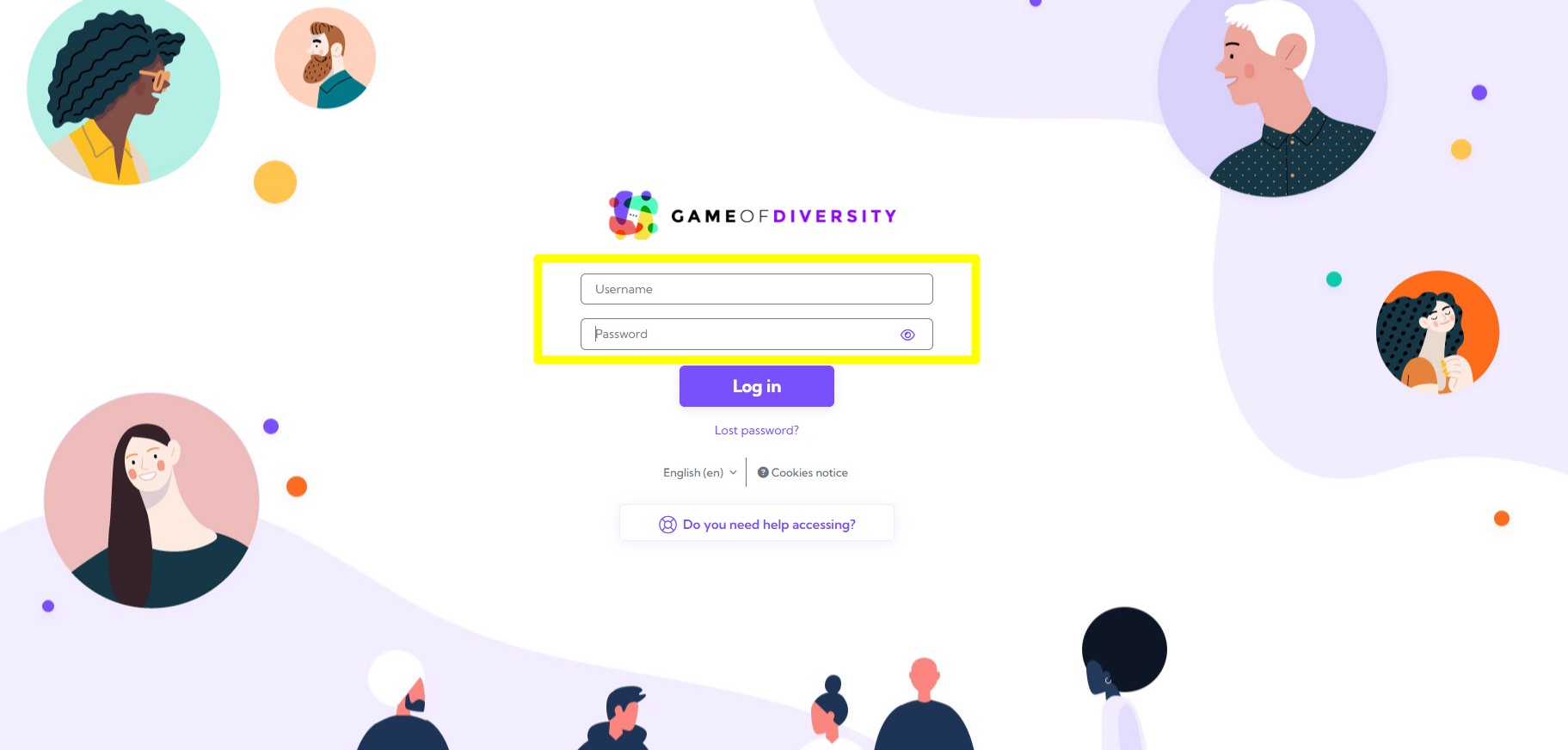
Then click the Log in button.
Your login credentials should have been sent to your email address.

Don't worry, we're here to help. Take a look at the quick solutions below:
Log in using your credentials by entering:
Then click the Log in button.
Your login credentials should have been sent to your email address.
Make sure that the username and password you are entering exactly match your login credentials.
Remember that usernames and passwords are case-sensitive. Also check that there are no extra spaces before or after your credentials. To avoid typing errors, we recommend using copy and paste whenever possible.
If this is not your first time logging in, the credentials you originally received by email may no longer be valid because the system asked you to reset your password or you changed it to one of your own.
You can always request a new set of credentials directly from the platform:
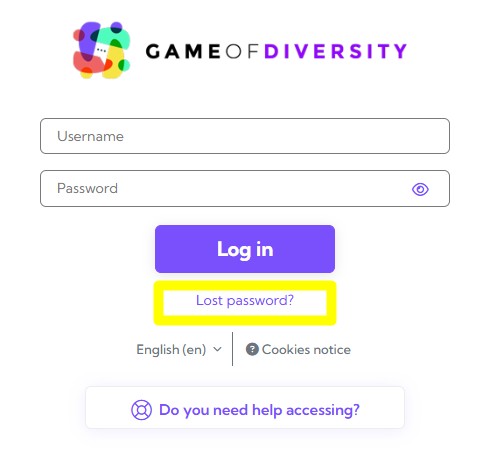
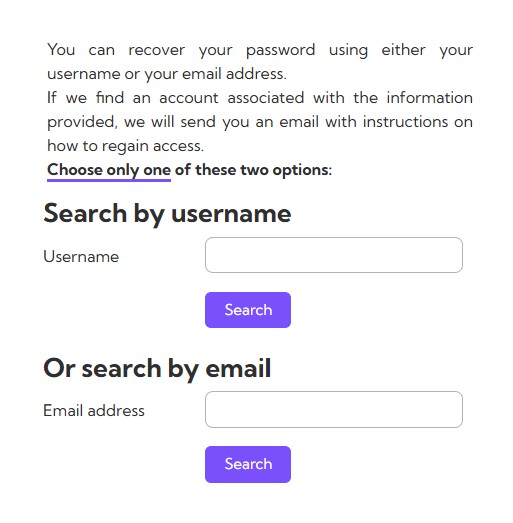
Remember: do not complete both fields. Choose only one of the two options.
If you can't find the answer you're looking for, please contact our support team.
Click the Support button on the right-hand side of this page and complete the contact form so we can assist you.
Or, if you prefer, send us an email directly at diversity@inserver.es.